 Free PDF: Screen Printing Films, Explained22 pages, one chapter per page: mesh and LPI, moiré, ink mixing, underbase, overlap, exposure and registration, with checklists for the press. Free when you join the newsletter.Get the field guide →

Colour
Duotone and tritone in screen printing
Two or three inks, with or without black: tone curves, screen angles, print order and dark garments, with sources.
Start here
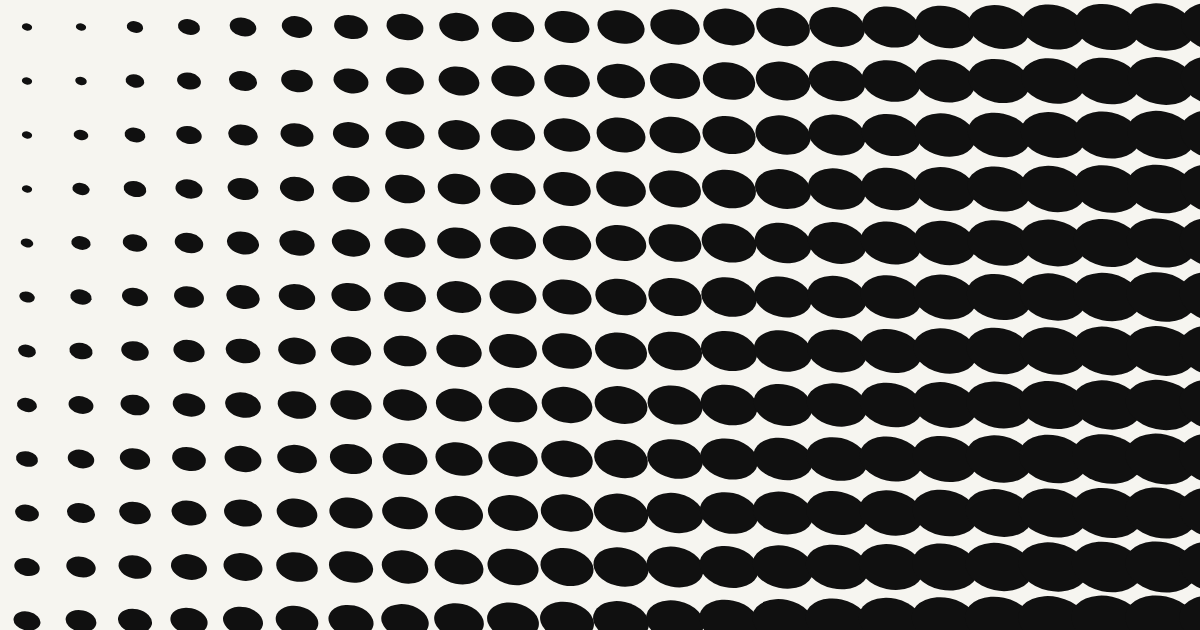
Halftone films without a RIP
How to produce print-ready 1-bit films without $500 software, and where the cheap routes go wrong.

Course
Ink mixing: the basics
A short course: what yellow + blue and red + blue make, tints, shades, mud and a repeatable method, with a mixing bench to play with.

Technique
Transparent inks and overprints
Two screens, three colours: what transparent inks do, what overprints add to your artwork, when they fail and how to prepare them.
Reference
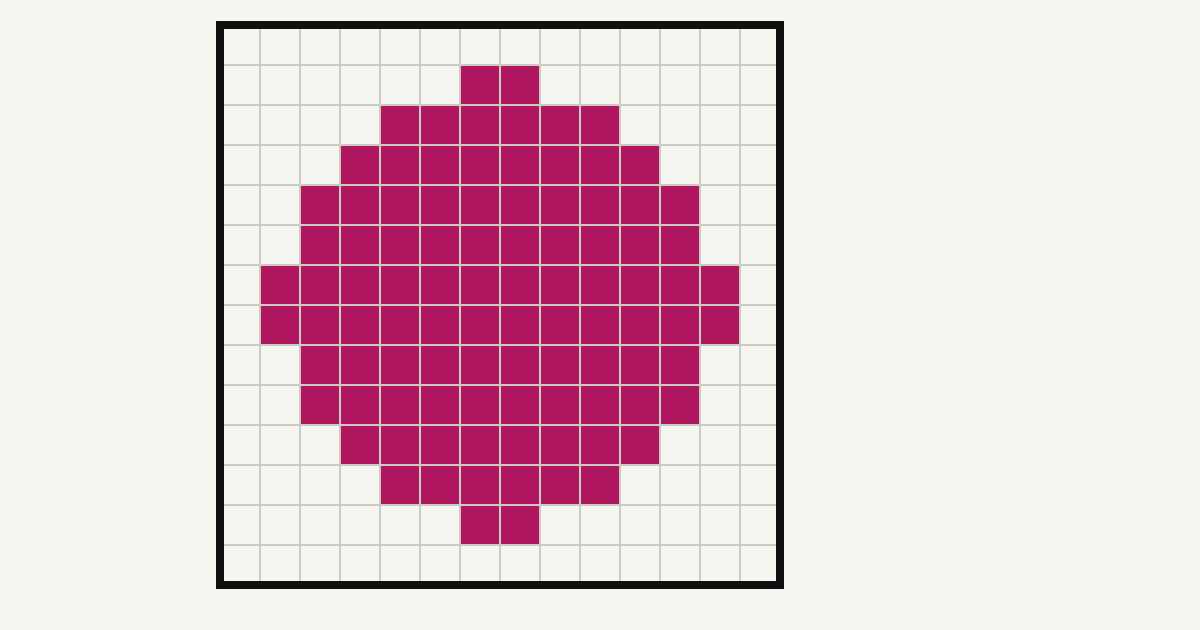
DPI, PPI and LPI explained
What resolution artwork needs for screen printing, why vectors have no resolution, and how film DPI and mesh count relate.

Reference
Mesh count to LPI chart
Line frequency, dots per cm², smallest printable dot and tonal range for 110, 156 and 230 mesh.

Troubleshooting
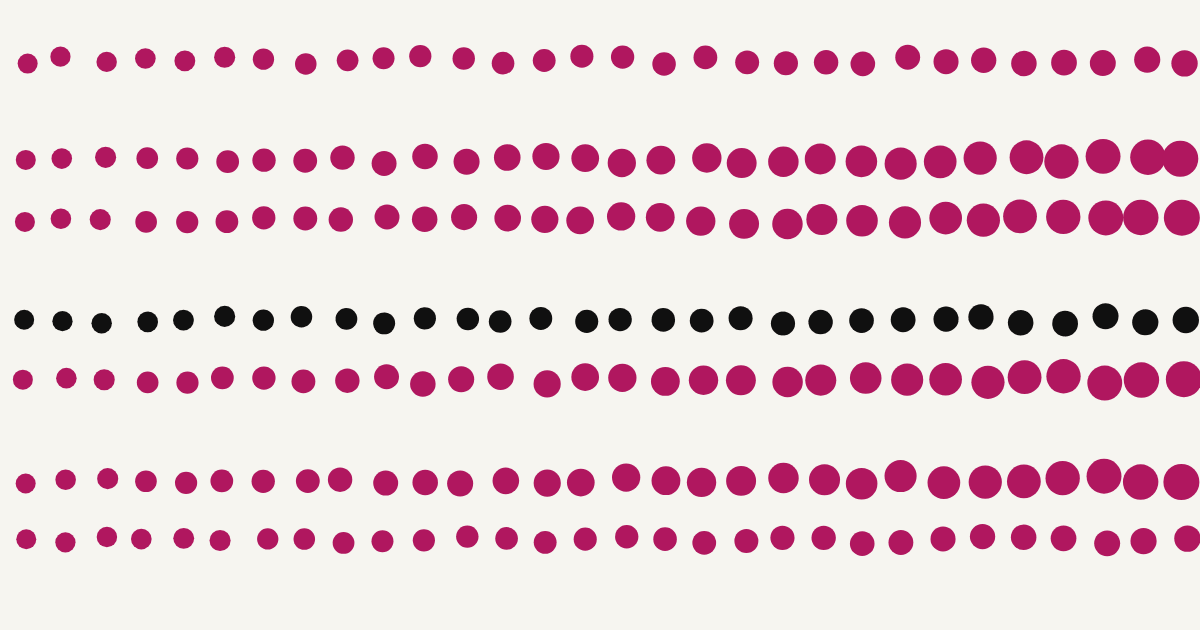
Why your halftone dots wash out
Highlights vanishing and shadows filling in are physics. The four causes, in the order worth checking.
Setup
Printing films on an inkjet
Driver settings, film stock, scaling and how to judge density without a densitometer.
Paper
Screen printing on paper
Finer mesh, higher line frequency and almost no dot gain. What changes when you leave textile behind.
Relief
Lino and block printing layers
No dots to make: solid shapes per colour, mirroring for transfer, and registration between blocks.

Fundamentals
Color separation for screen printing
Spot colour versus index versus CMYK, and how to decide how few inks a design really needs.

AI artwork
AI image prompts for screen printing and lino
How to prompt Midjourney, ChatGPT or Stable Diffusion for flat, contrasting artwork that separates cleanly and screens to your mesh.

After separation
Using Canva with your PrintFilmReady films
What Canva is genuinely good for once your film is out — layout, labels, mockups — and which of its tools quietly turn a 1-bit film back into grey.
Prep
Prepare your artwork for your mesh, or for lino
Colour count, contrast, detail size and file format, checked before you separate, not after.
Setup
Printer settings: Epson, HP, Canon, Brother
The six driver settings that decide film density, and where each brand hides them.
Materials
Tracing paper or PVC film?
Why tracing paper prints a weaker black, how to fix it, and when the extra cost of PVC film is worth paying.

Dark garments
Underbase and halftones for dark garments
Why a halftone disappears into dark fabric without a white underbase, and the choke, mesh and flash settings that make it work.
Process colour
CMYK films, without a RIP
Four films at fixed angles with an elliptical dot: what the Pro CMYK mode does, where it falls short and how to test it.
First run
Check your first film set before you burn
A ten-minute check of the ZIP, the labels and one printed film before you coat and burn a screen, on the free trial.
Studios & classes
Pro seats for studios and classes
How extra seats work: one email address per seat, up to ten people, moving a seat and what happens at renewal.
Textile, paper, lino
One design, three surfaces
What the Textile, Paper and Lino tabs change: mesh choices, tonal range, dots or solid shapes, mirroring and marks.
Looking for something shorter? The blog covers quick tips and feature deep-dives between full guides.